HR software for employees
Give employees a straightforward place to request time off, check its status, review their details and find shared documents.
No sales call. No card. No trial clock.
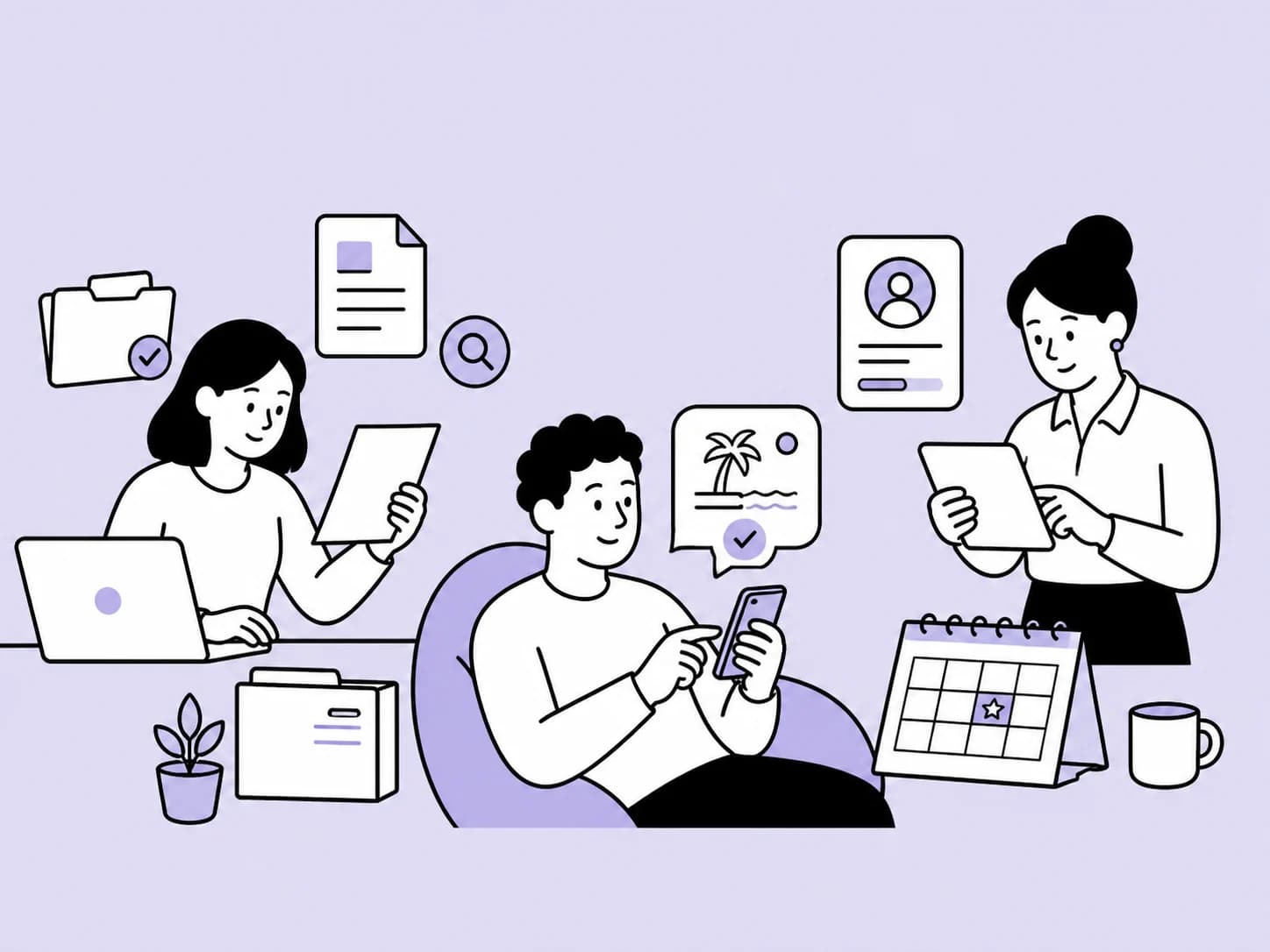
- Book time off
- Check your balance
- Find your documents
- Update your details
How does HollyHR help employees?
HollyHR gives employees a straightforward place for common HR tasks while keeping access to private records limited by role.
Employees can handle common HR tasks without seeing anyone else's records.
Free for up to 10 employees. Standard is £2 per active employee.
HollyHR Free costs £0 for up to 10 active employees. Standard costs £2 per active employee each month, including the first 10. Plus will cost £4 per active employee each month when it launches. Prices are before applicable tax.
Make common HR tasks quick and understandable.
Self-service has to be obvious
A common task should be clear on the first visit, without training or knowledge of how HR stores the record.
Status matters as much as submission
People need to know whether a request is waiting, approved or declined without sending a follow-up message.
Private still means private
Finding your own information should never make another employee's confidential record visible.
Your leave, information and documents in one place.



Request leave and follow its status
See your allowance, choose the dates and check what happened without chasing by email.
- See your holiday balance
- Follow pending and decided requests


Check the information held about you
Review the profile and working-pattern details available through your employee record.
- Keep personal details visible
- See your recorded working pattern
Find what you need for a clear start
Open the documents and onboarding tasks your organisation has made available to you.
- Find shared employee documents
- See outstanding starter tasks
Useful access for your role, without opening every HR record.
HollyHR keeps the core record together and limits each view and action to the access that role needs.
Use HollyHR for
- Mobile-friendly self-service
- Clear request status
- Personal document access
- Accurate profile and working-pattern details
Keep people judgement with people
- HollyHR is the employer's HR system. Your employer still owns its policies, decisions and employment relationship.
What employees can do in HollyHR.
Request annual leave
Choose the dates, see the allowance and follow the request without sending another message.
Find personal documents
Open the employment documents your organisation has made available to you.
Check your information
Review the profile and working-pattern details held in the employee record.
See what happens next
Follow the status of everyday requests without learning an HR system first.
Useful resources for employees.
Straight answers to common questions.
How do I request leave and see its status?
Choose the dates in employee self-service and submit the request to the manager or approver your employer has assigned. HollyHR shows whether the request is pending, approved or declined.
Where can I see my holiday balance?
Your time-off view shows the allowance and balance calculated from the working pattern and leave year recorded by your employer. Ask your employer if either record needs correcting.
Which documents can I open in HollyHR?
You can open employee documents your organisation has made available to you. Access to other records follows your role and permissions, so another employee's private documents are not visible to you.
Can colleagues see why I am off sick?
The shared who's-away view can show that you are unavailable without showing a private sickness reason. More detailed absence information is limited by your employer's access settings and responsibilities.
Who decides whether my leave request is approved?
Your employer decides who can approve or decline requests and remains responsible for the decision. HollyHR records the request, its status and the action taken.
Start free with up to 10 active employees.
Bring your team over from a spreadsheet. There is no card, no sales call and no lock-in. For up to 10 active employees, everyday HR is free.